
Model Optimizer is a cross-platform command-line tool that facilitates the transition between the training and deployment environment, performs static model analysis, and adjusts deep learning models for optimal execution on target devices.
Model Optimizer tool assumes you have a deep learning model trained using one of the supported deep learning frameworks. The block diagram below illustrates the typical workflow for deploying a trained deep learning model:
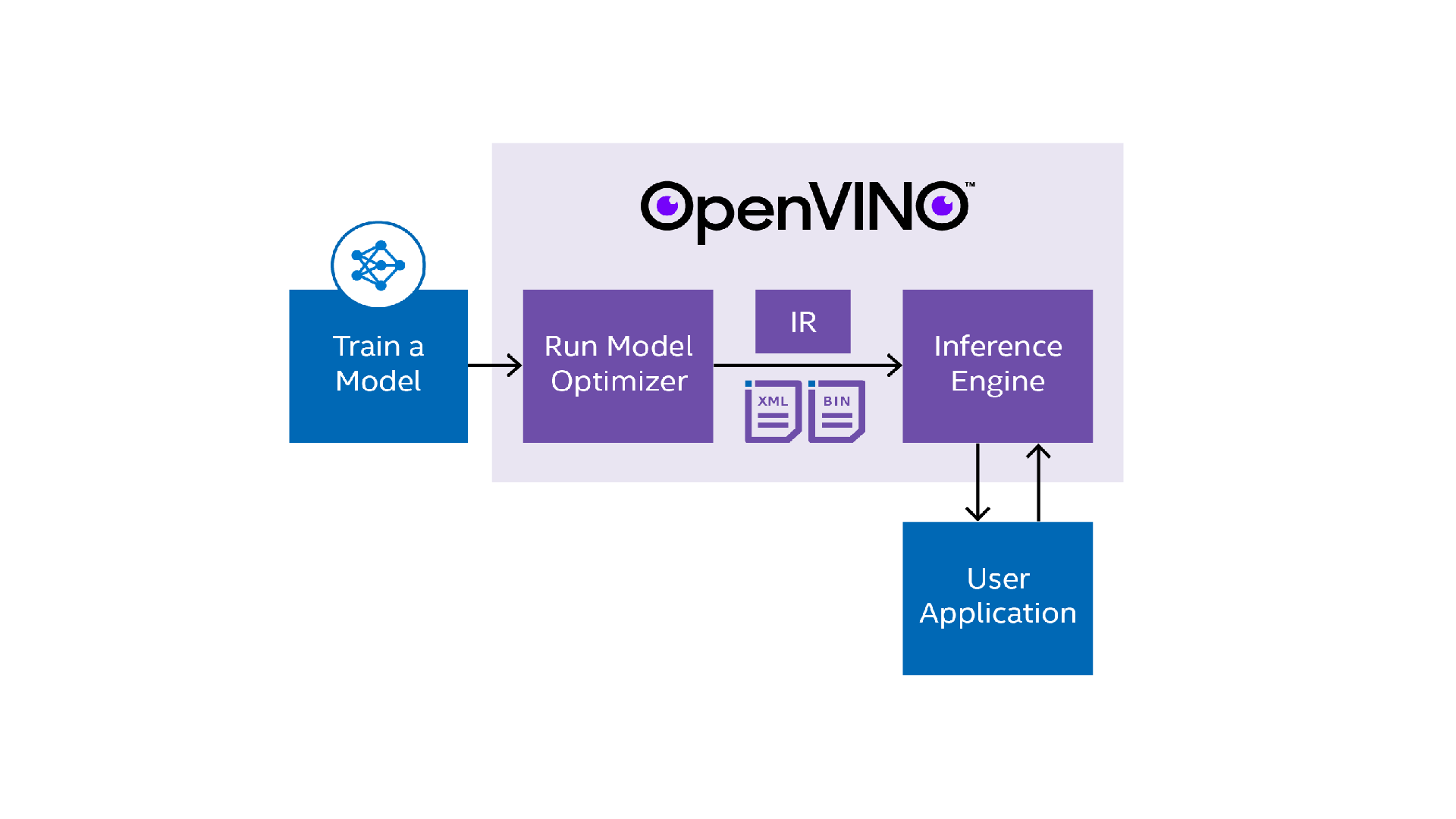
The Model Optimizer helps to convert models in multiple different supported frameworks to a valid Intermediate Representation (IR), which is used with the Inference Engine. If a model is not one of the pre-converted models from the Open Model Zoo, it is a required step before inferencing with Inference Engine. The Intermediate Representation of model is a pair of files describing the model listed below:
• .xml - Describes the network topology
• .bin - Contains the weights and biases binary data.
Model Optimizer supports deep learning models from the following frameworks
• Caffe*
• TensorFlow*
• MXNet*
• ONNX* (which can support PyTorch* models through another conversion step)
• Kaldi*
• Paddle Paddle*
You can learn more about model optimizer from Model Optimizer Developer Guide
Model Optimizer loads a model into memory, reads it, builds the internal representation of the model, optimizes it, and produces the Intermediate Representation. Intermediate Representation is the only format the Inference Engine accepts.
As part of the process, the Model Optimizer can perform various optimizations that can help shrink the model size and help make it faster, although this will not give the model higher inference accuracy. In fact, there will be some loss of accuracy as a result of potential changes like lower precision. However, these losses in accuracy are minimized.
Pre-trained models contain layers that are important for training, such as the Dropout layer. These layers are useless during inference and might increase the inference time. In many cases, these operations can be automatically removed from the resulting Intermediate Representation. However, if a group of operations can be represented as a single mathematical operation, and thus as a single operation node in a model graph, the Model Optimizer recognizes such patterns and replaces this group of operation nodes with only one operation. The result is an Intermediate Representation that has fewer operation nodes than the original model. This decreases the inference time.
If you had successfully installed the OpenVINO™ toolkit in the previous module, your Model Optimizer folder should have the structure mentioned in the Model Optimizer folder structure.
• Model Optimizer Developer Guide
